Google Business Profile for your business: how to set it up and what to fill in so customers find you
A Google Business Profile is a free listing that appears on Google Maps and in search results. Here is how to set it up, what to fill in and how to look after it so it brings in calls.
Kamil Kurczewski · 28 October 2026
Short answer
To make your Google Business Profile work for you:
- create it or claim it at google.com/business and verify that the business is yours
- choose an accurate primary category and use your real business name
- fill in opening hours, services, a description, your phone number and website
- add real photos and keep adding new ones
- ask customers for reviews and reply to every one
What a Google Business Profile is and who needs one
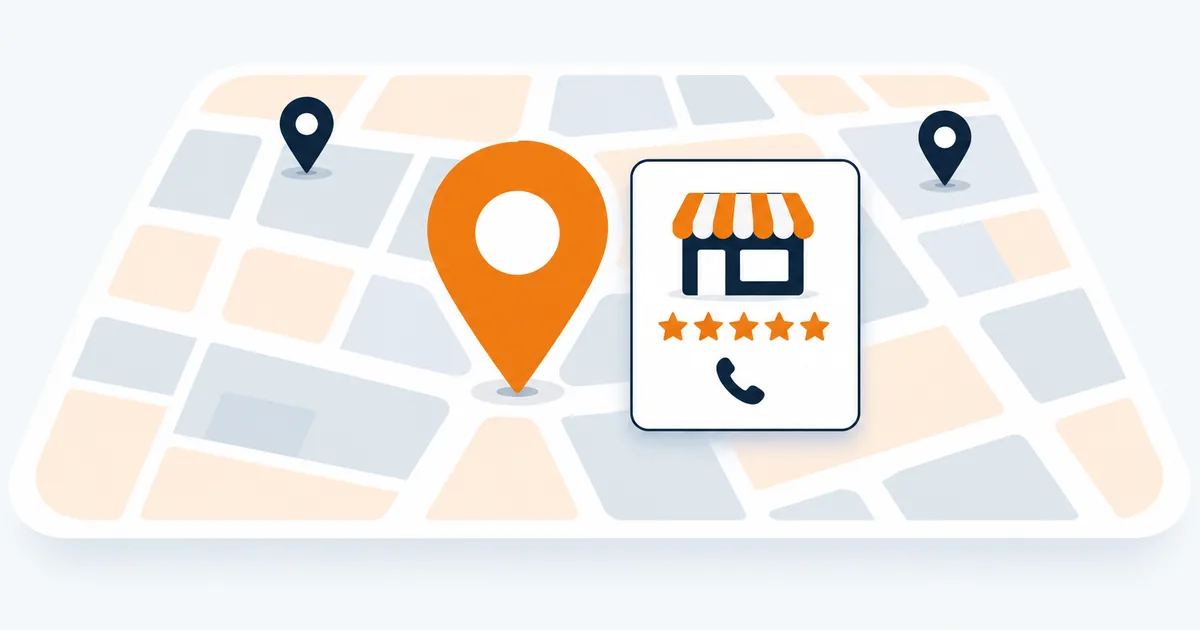
When someone searches for “plumber Gandia” or “hairdresser near me”, they often see a map with a few businesses above the normal results. Those are business profiles. Customers see opening hours, reviews, photos and a call button straight away, and they often call before visiting any website.
A profile is useful for any business that serves customers in a particular area: trades, clinics, restaurants, shops and also tradespeople who travel to their customers. It is free. You only pay if you decide to run Google Ads.
How to set up your profile step by step
1. Check whether a profile already exists
Search for your business name on Google Maps. Sometimes a profile is created automatically, for example when someone adds your business to the map. In that case you claim the existing profile instead of creating a new one.
2. Use your real business name
Enter the name you use on your sign, invoices and website. Do not add a town or services to it, such as “Smith Plumbing Gandia cheap”. Google’s rules do not allow it and the profile can be suspended.
3. Choose a category
The primary category tells Google what you do and has a big influence on the searches you appear in. Choose the most specific one, for example “Electrician” rather than a general “Services”. You can add secondary categories later.
4. Address or service area
If customers come to you, enter your address. If you travel to your customers, you can hide your address and list the towns you work in instead.
5. Verify that the business is yours
Google will ask you to verify the profile and suggests a method, for example a short video showing your business, a phone call, a text message or an email. Until the profile is verified, customers may not see it.
What to fill in so the profile works
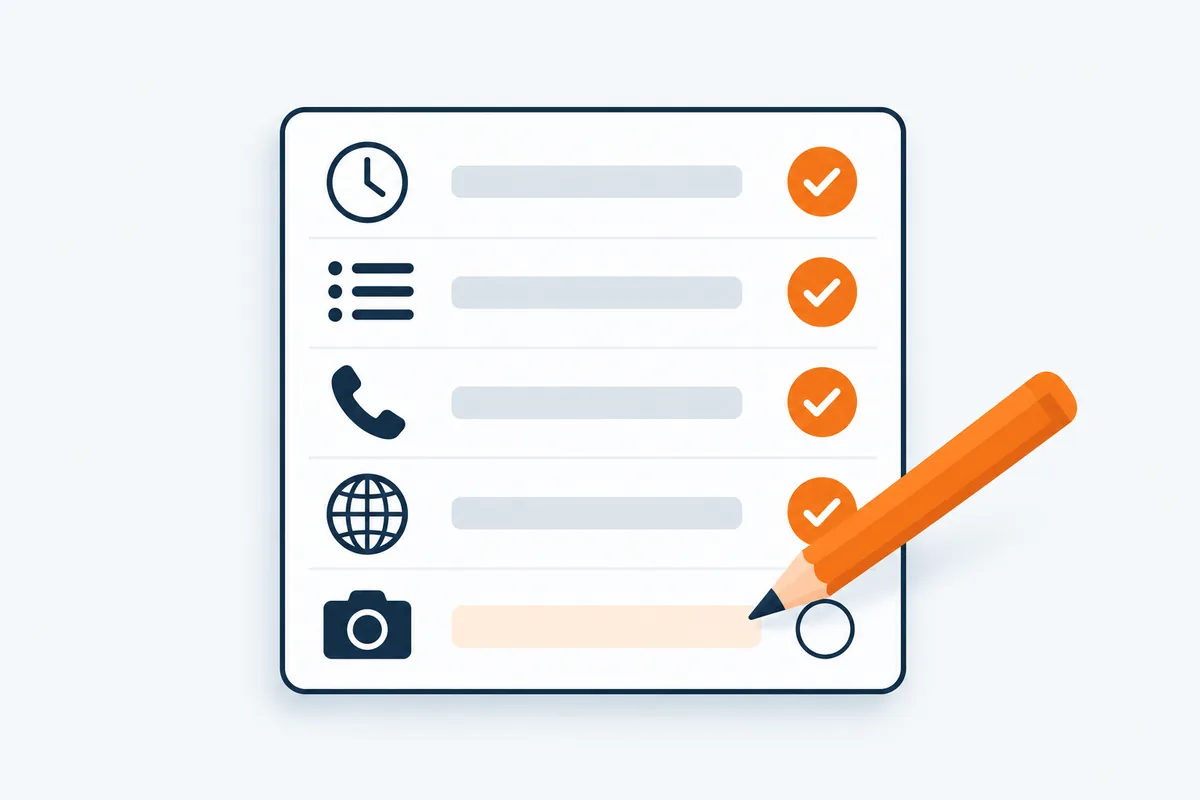
An empty profile does little. Customers compare a few businesses in seconds and choose the one they know most about. Fill in:
- opening hours, including holiday hours, so nobody finds your door closed
- services with a short description, ideally in the words your customers use
- a business description: what you do, where you work and what makes you different
- phone number and website, so customers can call or read more straight away
- photos: your premises inside and out, you or your team at work, finished jobs
Stock photos look generic. Simple but real photos taken with a phone in good light work better.
Reviews: how to ask for them and how to reply

For many customers, reviews are the most important part of a profile. The easiest time to ask is right after a job well done: send the customer a short message with a direct link to leave a review. You will find the link in your profile dashboard.
Do not buy reviews or offer discounts in exchange for them. Google’s rules do not allow it, and such reviews can be removed together with genuine ones.
Reply to every review, including critical ones. A calm, factual reply to a negative review often makes a better impression on future customers than praise alone.
How to look after your profile
- add new photos, for example of recent jobs
- publish short posts about news, offers or events
- update your hours before holidays and time off
- keep your name, address and phone number the same on your profile, your website and other directories
- check the statistics: you will see how many people called or asked for directions
Common mistakes
- keywords added to the business name
- a primary category that is too general
- outdated opening hours or an old phone number
- no replies to reviews, especially critical ones
- several profiles for the same business at one address
When it is worth getting help
You can set up your profile yourself; this article is enough. If you do not have the time, I can set it up or tidy it up for 99 € + VAT, one-off: categories, hours, services and photos. If you want someone to look after it every month, including reviews, posts and what AI assistants say about your business, see Google & AI visibility. All prices are on the pricing page.
Questions
Common questions about Google Business Profile
Does a Google Business Profile cost anything?
No. Setting up and running a profile is free. You only pay for Google Ads if you choose to run them.
Can I have a profile without premises?
Yes. If you travel to your customers, you can hide your address and set the area you serve.
How long does verification take?
It depends on the method Google suggests. Sometimes a few minutes, sometimes a few days.
Does a profile replace a website?
No. The profile helps customers find you, and the website shows your services, prices and work. They work best together, with a link to your website on the profile.
Let's talk