A website in several languages: when a Costa Blanca business needs English, Spanish and more
On the Costa Blanca, customers speak Spanish, English, Polish and many other languages. Here is when it is worth having a website in several versions and how to build it so Google shows everyone the right one.
Kamil Kurczewski · 28 October 2026
Short answer
- add the languages in which you actually serve customers
- each version should have its own address, for example /en/ and /es/
- have the texts translated or checked by someone who knows the language, not by an automatic widget
- add language tags for Google (hreflang) and a visible language switcher
- in my pricing, each extra language is +30% of the website price
Who are your customers?
Before you decide on languages, think about who calls you. On the coast, one business may serve Spanish locals, foreigners who live here all year, holiday home owners and tourists. Each group looks for services in its own language and is more likely to trust a business that speaks to them directly.
A few examples from my own work: CasaCiclista, a guesthouse for cyclists, has a website in Polish, English and Spanish. Plan B Cycling, a mobile bike repair service, works in six languages because riders come from all over Europe. PegoFix has five versions because it serves residents of many nationalities.
When one language is enough and when you need several
One language is enough if almost all of your customers speak the same language. A tradesperson who works mainly for one community can start with a website in that language.
Several languages make sense when:
- you serve tourists or foreign residents on the coast
- you want customers from Google searching in Spanish and English
- you run accommodation, a restaurant, rentals or services for holiday homes
You do not have to translate everything at once. You can start with two languages and add another later.
How to do it properly for Google
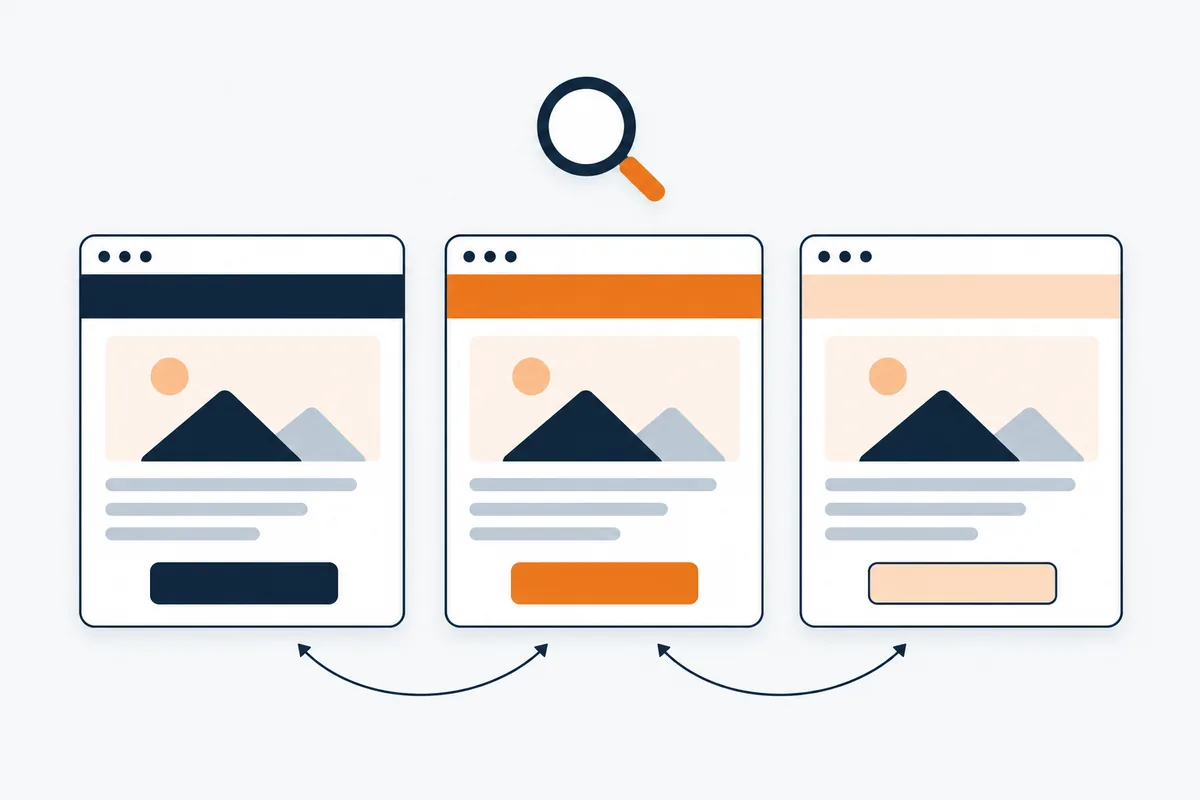
- A separate address for each language. For example kurczewski.pro/en/ and kurczewski.pro/es/. This lets Google show each version in search results in the right country and language.
- Hreflang tags. These are tags in the code, invisible to visitors, that tell Google the pages are translations of each other.
- A visible language switcher. Let customers choose the version themselves. Do not redirect everyone automatically by location: an English tourist in Alicante does not want to see the site in Spanish.
- Translate everything, not just the text. Page titles and descriptions for Google, page addresses, image descriptions and forms should also be in that language.
- Each language has its own search terms. A customer searches for “web design Alicante” or “diseño web Alicante”, not a word-for-word translation. It is worth checking this before writing the texts.
Translation: machine or human
Widgets that translate a page on the fly are convenient, but they usually do not create separate pages that Google can show in search results. The translation can also be clumsy, and customers notice it straight away.
A good compromise is to use machine translation as a draft and have someone who knows the language correct it. Titles, prices and important information in particular should sound natural.
Google Business Profile and ads in several languages
Your Google Business Profile is seen by customers who speak different languages. Reply to reviews in the language they were written in. Write the business description and services in the language most of your customers use, and link to the matching version of your website. You can read more about the profile itself in Google Business Profile for your business.
You can target Google and Facebook ads separately at people who speak Spanish, English or Polish. Each ad then leads to the website in the same language, which usually brings more enquiries than one ad for everyone.
What an extra language costs
In my pricing, each extra language is +30% of the website price. A starter website costs 599 € and a business website 1,099 € + VAT; see web design on the Costa Blanca and the pricing page. For businesses in Spain, every language version also gets the legal pages required by Spanish law.
Questions
Common questions about multilingual websites
Is a Google Translate plugin enough?
It can do for a start, but it usually does not create separate pages for Google and the translation can be clumsy. To win customers from search, separate, checked versions work better.
Does every version need the same pages?
No. What matters is that each language has a home page, services and contact. You can add the rest gradually.
Can I add a language later?
Yes. A well-built website can be extended with another language without rebuilding everything.
Which language should I start with?
With the language most of your current customers speak. Choose the second one based on who you want to reach.
Let's talk